Guides from the
Windows Help Desk
Every guide follows our editorial policy: the exact problem first, the safest fix first, and clear notes on which versions it applies to.
-
Getting Windows Ready, Don’t Turn Off Your Computer: Stuck? How to Fix It
Stuck on “Getting Windows ready. Don’t turn off your computer”? Learn how long to wait, how to force a safe restart, and how to…
-
We Couldn’t Update the System Reserved Partition: How to Fix It
Windows 11 update failing with “We couldn’t update the system reserved partition”? Mount the EFI partition, delete the boot fonts, find what fills it,…
-

“The Instruction at 0x00007ff… Referenced Memory”: How to Fix It
“The instruction at 0x00007ff… referenced memory. The memory could not be read” means a program crashed. Find which one, update or reinstall it, fix…
-
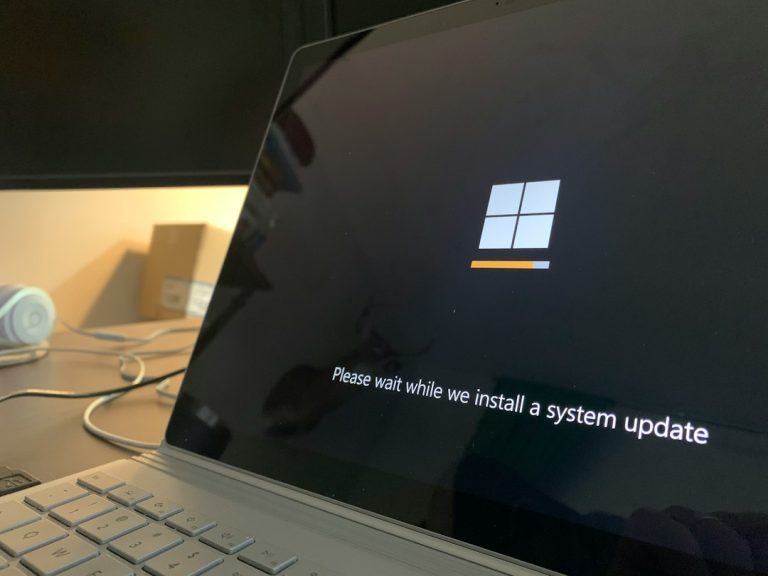
Error 0x8007001f in Windows Update: 8 Ways to Fix It
Windows Update or an upgrade failing with error 0x8007001f? Run the troubleshooter, unplug USB devices, remove third-party antivirus, fix the audio driver, reset update…
-

“Could Not Create the Java Virtual Machine”: How to Fix It
“Error: Could not create the Java Virtual Machine” means a startup option is wrong. Find it, fix the -Xmx memory value or _JAVA_OPTIONS variable,…
-

Windows Update from the Command Line: CMD and PowerShell Commands
Run Windows Update from the command line: open it with ms-settings, install updates with PowerShell (PSWindowsUpdate), install or remove .msu packages with wusa, and…
-
Printer Error 0x000003e3 “Operation Could Not Be Completed”: How to Fix
Windows can’t connect to a shared printer with error 0x000003e3? Restart the spooler, remove the old driver, install the printer driver before connecting, or…
-
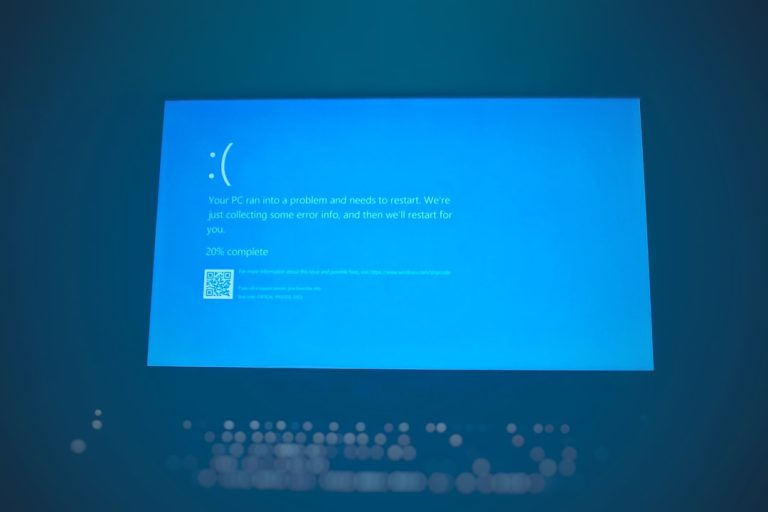
DPC Watchdog Violation on Windows 11 and 10: How to Fix It
DPC_WATCHDOG_VIOLATION (0x133) is almost always a driver that takes too long. Find the driver in Reliability Monitor, unplug new hardware, update or roll back…
-

Device Management Could Not Be Enabled (0x80192EE7): How to Fix
Seeing “Device management could not be enabled” (-2145833241 / 0x80192EE7) when signing in to Teams or Outlook? Sign in to the app only, remove…
-

“The Windows RE Image Was Not Found”: How to Fix and Re-enable WinRE
reagentc says “The Windows RE image was not found”? Check the WinRE status, re-enable it, reset ReAgent.xml, or copy a fresh Winre.wim from Windows…