Topic
Startup & Display
Black screens, boot loops, recovery errors and PCs that won’t start or show a picture.
-
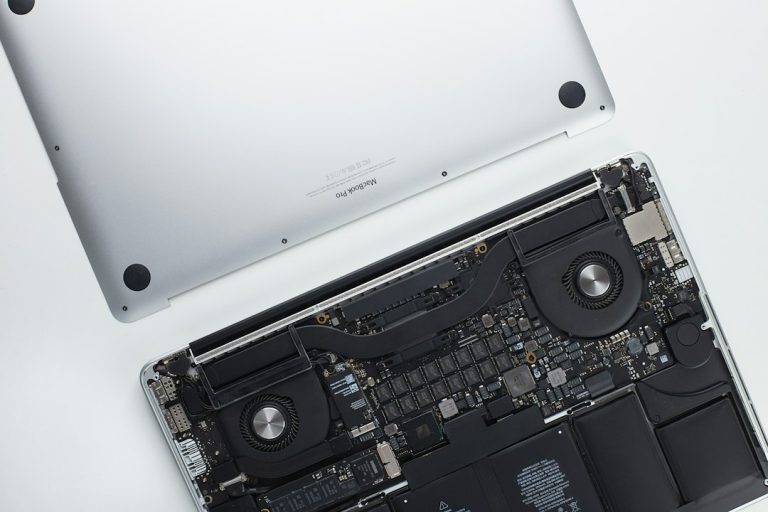
WinRE: what the Windows Recovery Environment is and how to open it
What WinRE is, how to open the Windows Recovery Environment in Windows 11 and 10 (even when Windows won’t start), what each recovery option…
-

“Windows could not update the computer’s boot configuration”: how to fix it
Fix “Windows could not update the computer’s boot configuration. Installation cannot proceed.” during Windows 11 or 10 Setup: UEFI vs legacy mode, firmware settings…
-
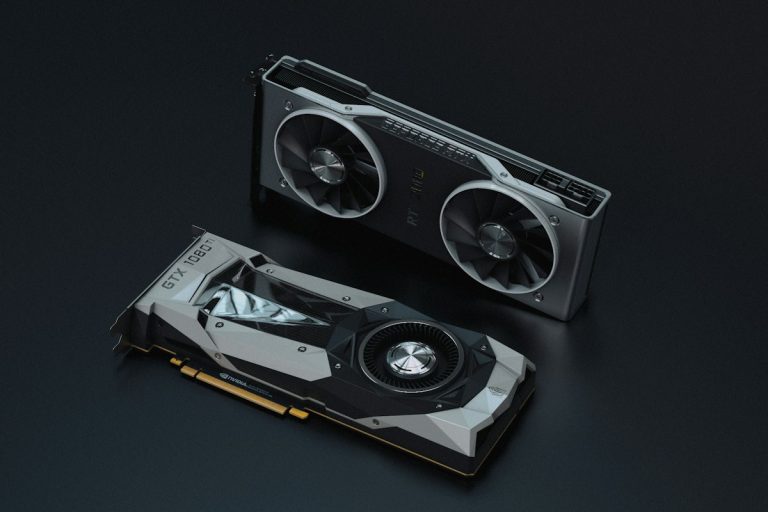
NVIDIA Control Panel not showing? Why it’s gone and what to use
NVIDIA Control Panel missing after a driver update? Driver 610.47 retired it for the NVIDIA App. Here’s how to use the app, get the…
-
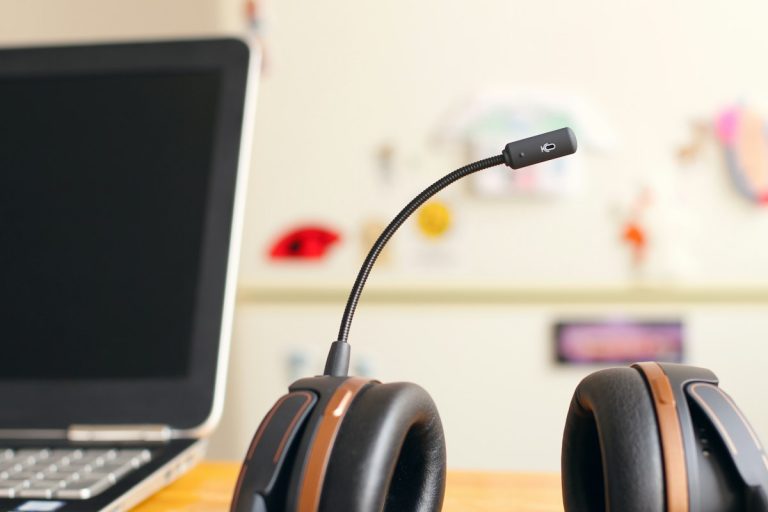
How to enable Stereo Mix in Windows 11 (and fix it when it’s missing)
Turn on Stereo Mix in Windows 11 or 10 from Settings or the Sound control panel, fix it when it’s missing or silent, and…
-
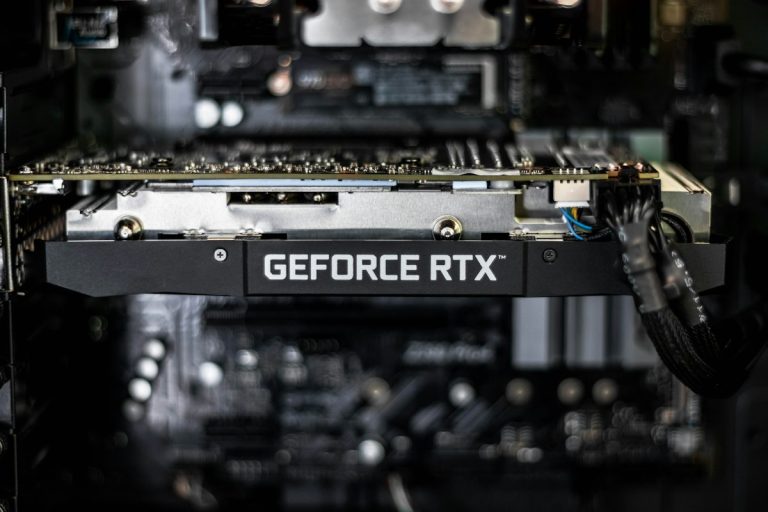
How to stop Windows 11 from updating your graphics driver
Stop Windows 11 from replacing your NVIDIA, AMD or Intel graphics driver: exclude drivers from Windows Update with Group Policy or the Registry, or…
-
Operating system loader failed signature verification: how to fix it
Operating System Loader failed signature verification is a Secure Boot error. Remove USB drives, restore the default Secure Boot keys, rebuild the boot files…
-
Your PC couldn’t start properly: 7 fixes for the Automatic Repair screen
Stuck on Automatic Repair because your PC did not start correctly? Restart, run Startup Repair, uninstall the last update, use Safe Mode or System…
-

We couldn’t find any drives: fix it when installing Windows
Windows setup says “We couldn’t find any drives”? Load the Intel RST VMD driver, turn off VMD or RAID mode in BIOS, check the…
-

Windows 10 installation media: create a USB or ISO (step by step)
How to create Windows 10 installation media on a USB drive or as an ISO with Microsoft’s media creation tool, boot from it, activate…
-
Windows 10 slow boot: how to find the cause and fix it
Windows 10 slow to boot? Measure where the time goes, disable startup apps, toggle Fast Startup, check the drive, find a slow service with…