Guides from the
Windows Help Desk
Every guide follows our editorial policy: the exact problem first, the safest fix first, and clear notes on which versions it applies to.
-
WMI Provider Host (WmiPrvSE.exe): Is It a Virus and How to Fix High CPU
WMI Provider Host (WmiPrvSE.exe) is a genuine Windows process. Here’s how to check it isn’t a virus, find the app making it busy, and…
-
Windows Hello PIN “This Option Is Currently Unavailable”: How to Fix It
Windows Hello PIN, fingerprint or face says “This option is currently unavailable”? Turn off the Hello-only sign-in setting, check work policies and Group Policy,…
-
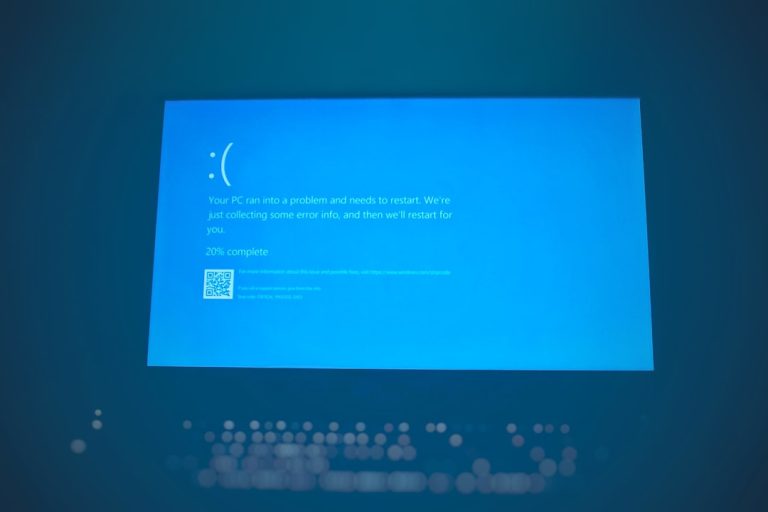
BAD_POOL_CALLER on Windows 11/10: What It Means and How to Fix It
BAD_POOL_CALLER (0xC2) blue screen on Windows 11 or 10? Find the faulty driver, remove recent software, update or roll back drivers, test your RAM…
-

How to Turn Off Efficiency Mode in Windows 11 (Task Manager, Edge and Power Settings)
How to turn off efficiency mode in Windows 11: uncheck it in Task Manager, turn it off in Edge or Chrome, and switch off…
-
svchost.exe (netsvcs): What It Is and How to Fix High CPU, Memory or Network Use
svchost.exe (netsvcs) is a genuine Windows Service Host for Windows Update, BITS, Task Scheduler and more. Here’s how to find which service is busy…
-
How to Reinstall Windows 10: Reset, Repair Install or Clean Install
How to reinstall Windows 10 with Reset this PC, a repair install that keeps your apps, or a clean install from USB. Includes backup…
-
“We Couldn’t Connect to the Update Service”: 7 Fixes for Windows 11/10
Windows Update says “We couldn’t connect to the update service”? Check the connection and clock, run the troubleshooter, reset DNS and the WinHTTP proxy,…
-

Can’t Type in Windows Search Bar? 7 Fixes for Windows 11/10
Can’t type in the Windows search bar but the keyboard works elsewhere? Start ctfmon.exe, restart SearchHost and File Explorer, re-enable MsCtfMonitor and repair Windows.
-

“You Don’t Currently Have Permission to Access This Folder”: How to Fix It
Seeing “You don’t currently have permission to access this folder” in Windows 11 or 10? Click Continue as an admin, take ownership, grant Full…
-
WHEA_UNCORRECTABLE_ERROR (0x124): How to Fix It on Windows 11/10
Blue screen with WHEA_UNCORRECTABLE_ERROR? Find the failing component in Event Viewer, turn off overclocking and XMP, check cooling, update the BIOS and test your…