Topic
Windows Errors
Stop codes, 0x error codes and Windows messages that won’t go away, explained in plain words with the safest fix first.
-

PROCESS1_INITIALIZATION_FAILED (0x6B): how to fix it
Fix the PROCESS1_INITIALIZATION_FAILED blue screen (stop code 0x0000006B) on Windows 11 and 10: read the error, use the recovery tools, check the disk and…
-
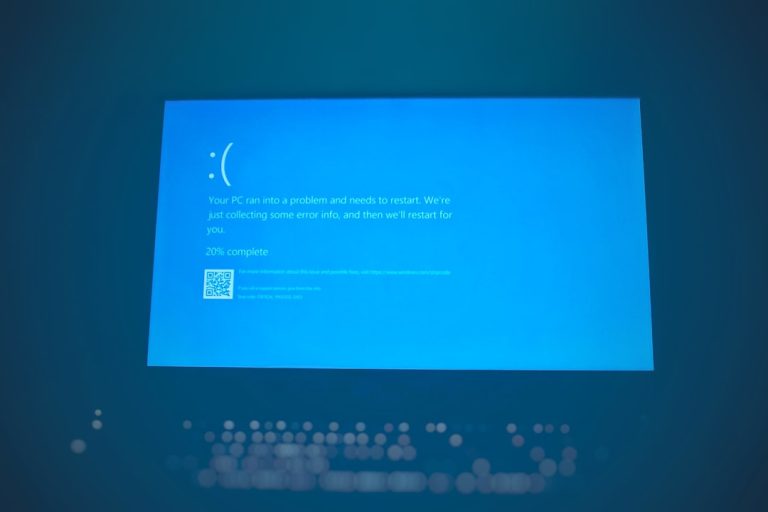
Your PC ran into a problem and needs to restart: how to fix it
Seeing “Your PC ran into a problem and needs to restart”? Find the stop code, then fix the usual causes: drivers, updates, hardware, system…
-

Error 0x80070091 “The directory is not empty”: how to fix it
Getting error 0x80070091 “The directory is not empty” when deleting a folder or running System Restore? Here’s how to fix it on Windows 11…
-

Please wait for the System Event Notification Service: how to fix it
Windows stuck on “Please wait for the System Event Notification Service” at sign-in, sign-out or shutdown? Here’s what it means and how to fix…
-
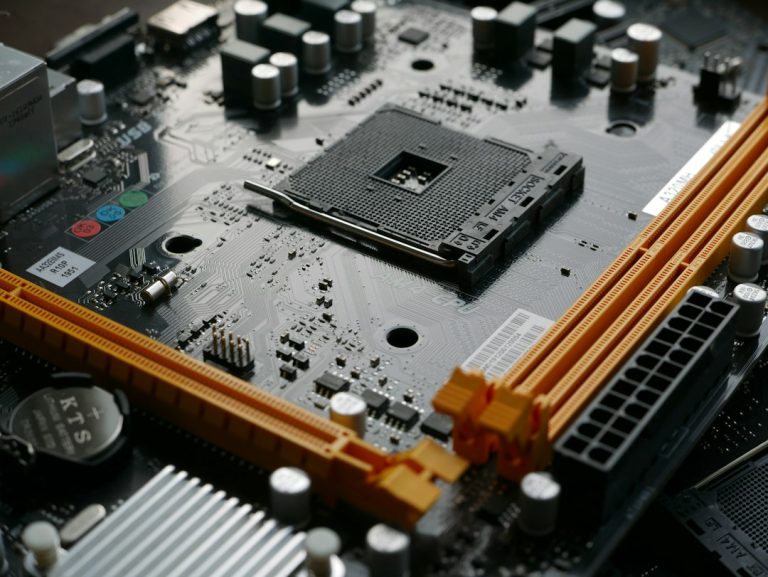
Not in a Hypervisor Partition (HVP=0): How to Fix the VirtualBox Error on Windows
VirtualBox says “Not in a hypervisor partition (HVP=0)” and won’t start your VM? Here’s what it means and how to fix it by enabling…
-

The Diagnostics Policy Service Is Not Running: How to Fix It on Windows 11/10
Seeing “The Diagnostics Policy Service is not running” in Windows Network Diagnostics? Here’s how to start the service, stop it switching off again, and…
-
WMI Provider Host (WmiPrvSE.exe): Is It a Virus and How to Fix High CPU
WMI Provider Host (WmiPrvSE.exe) is a genuine Windows process. Here’s how to check it isn’t a virus, find the app making it busy, and…
-

Windows Hello PIN “This Option Is Currently Unavailable”: How to Fix It
Windows Hello PIN, fingerprint or face says “This option is currently unavailable”? Turn off the Hello-only sign-in setting, check work policies and Group Policy,…
-
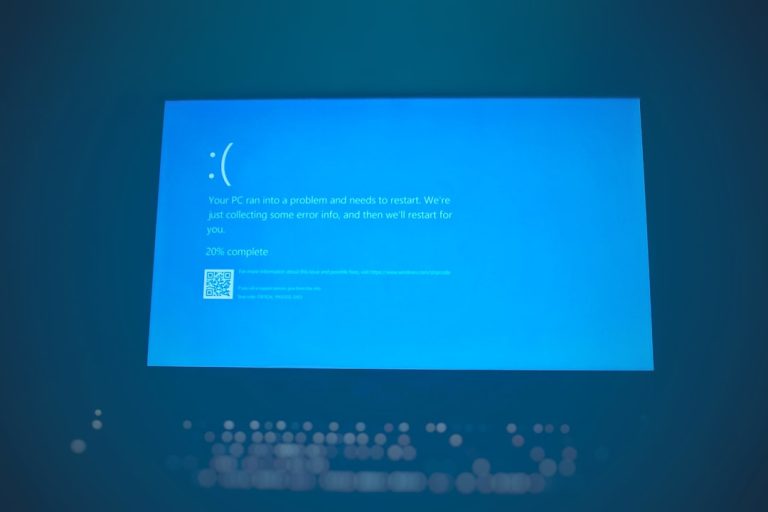
BAD_POOL_CALLER on Windows 11/10: What It Means and How to Fix It
BAD_POOL_CALLER (0xC2) blue screen on Windows 11 or 10? Find the faulty driver, remove recent software, update or roll back drivers, test your RAM…
-

How to Turn Off Efficiency Mode in Windows 11 (Task Manager, Edge and Power Settings)
How to turn off efficiency mode in Windows 11: uncheck it in Task Manager, turn it off in Edge or Chrome, and switch off…