Topic
Windows Errors
Stop codes, 0x error codes and Windows messages that won’t go away, explained in plain words with the safest fix first.
-
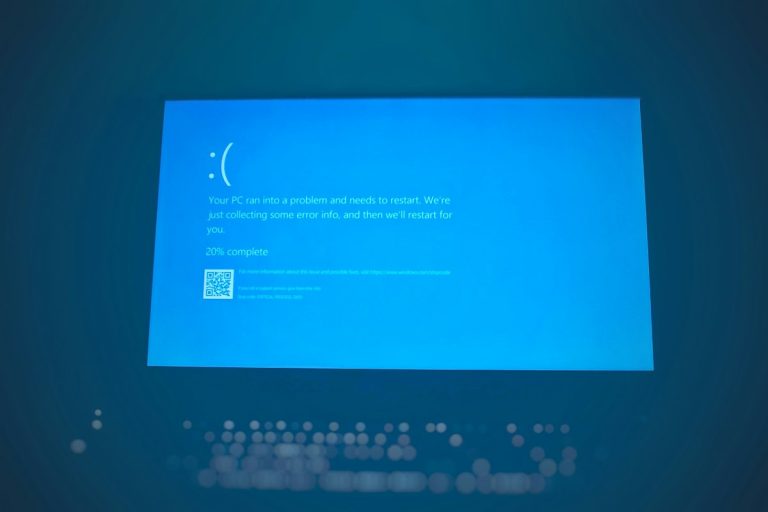
reagentc /enable not working: how to fix WinRE in Windows 11 and 10
reagentc /enable not working? Fix the Windows RE image was not found error, reset ReAgent.xml, repair BCD errors and resize a recovery partition that’s…
-
Desktop Window Manager high memory: why it happens and 5 fixes
Desktop Window Manager (dwm.exe) using too much memory? Learn what’s normal, why graphics drivers cause leaks, and five safe fixes for Windows 11 and…
-

Windows Explorer crashes on right-click: how to find the cause and fix it
File Explorer or the desktop crashes when you right-click in Windows 11 or 10? Find the faulty shell extension in Event Viewer, disable it,…
-

Sysprep was not able to validate your Windows installation: how to fix it
Fix “Sysprep was not able to validate your Windows installation” in Windows 11 and 10: read setupact.log, remove Store apps not provisioned for all…
-

A required device isn’t connected or can’t be accessed (0xc000000e): how to fix it
Fix error 0xc000000e, “A required device isn’t connected or can’t be accessed”, in Windows 11 and 10: check the drive and boot order, undo…
-
UsoClient StartScan: what it does and the other UsoClient commands
What UsoClient StartScan does, how to run it, the other UsoClient commands, how to tell whether it worked, and what to do when it…
-

Automatic registration failed at join phase: what it means and how to fix it
Seeing “Automatic registration failed at join phase” in the User Device Registration log? Find out if it matters, how to stop it, and how…
-
Windows Update service missing: how to restore it in Windows 11 and 10
Windows Update service missing from services.msc? Check with sc query, scan for malware, run SFC and DISM, use System Restore or a repair install…
-

This sign-in option is disabled: how to fix it in Windows 11 and 10
Windows says this sign-in option is disabled because of failed sign-in attempts or repeated shutdowns? Restart cleanly, use your password, wait out the lock…
-

DCOM event 10016: Local Activation permission warning explained
“The application-specific permission settings do not grant Local Activation permission” is DCOM event 10016. Microsoft says it’s by design and safe to ignore. Here’s…