Topic
Windows Errors
Stop codes, 0x error codes and Windows messages that won’t go away, explained in plain words with the safest fix first.
-

Error 0x80070003: how to fix it in Windows Update
Error 0x80070003 means Windows can’t find a path it needs, usually during Windows Update. Reset the update cache, run DISM and SFC, check CBS.log…
-
Threat service has stopped. Restart it now: how to fix it in Windows
“Threat service has stopped. Restart it now” means Microsoft Defender Antivirus isn’t running. Restart it, remove conflicting antivirus or policies, update Defender and scan…
-
SYSTEM_PTE_MISUSE blue screen in Windows: causes and fixes
SYSTEM_PTE_MISUSE (0xDA) means a driver misused Windows memory tables. Update the BIOS, check the TPM or PTT setting, fix drivers and read the crash…
-
Mouse moves but won’t click: 7 fixes for Windows 11 and 10
Mouse pointer moves but clicks do nothing? Free a stuck click, restart Windows Explorer, check the button settings, reinstall the driver and test for…
-
Taskbar icons missing in Windows 11 or 10: how to get them back
Taskbar icons missing, blank or white in Windows 11 or 10? Restart Windows Explorer, check the taskbar settings, re-pin apps and rebuild the icon…
-

Ctrl+Alt+Del not working in Windows 11: how to fix it
Ctrl+Alt+Del not working in Windows 11 or 10? Use the right shortcut in Remote Desktop and VMs, test the keyboard and driver, remove key…
-

“The trust relationship between this workstation and the primary domain failed”: how to fix it
Fix “The trust relationship between this workstation and the primary domain failed” on Windows 11 and 10: sign in locally, repair the secure channel…
-
Error 0x8007025D: how to fix it when installing or upgrading Windows
Error 0x8007025D means Windows found damaged data while unpacking files. How to fix it in Windows 11 and 10 setup, upgrades, System Restore and…
-
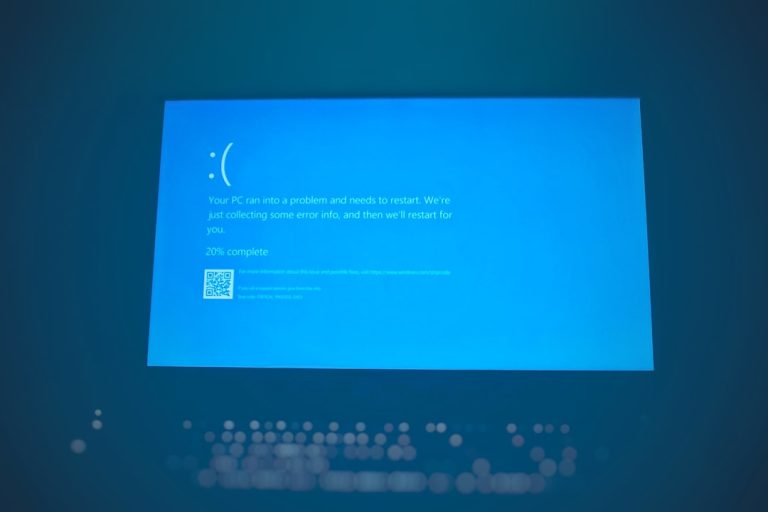
CRITICAL_PROCESS_DIED on Windows 10 and 11: how to fix it
CRITICAL_PROCESS_DIED (0xEF) blue screen on Windows 10 or 11? Undo recent changes, repair system files with DISM and SFC, check the drive, fix drivers…
-
Windows cannot find the Microsoft Software License Terms: how to fix it
Fix “Windows cannot find the Microsoft Software License Terms” during setup: recreate the installation media, give Hyper-V VMs more memory, remove VMware’s floppy, and…