Topic
Windows Errors
Stop codes, 0x error codes and Windows messages that won’t go away, explained in plain words with the safest fix first.
-
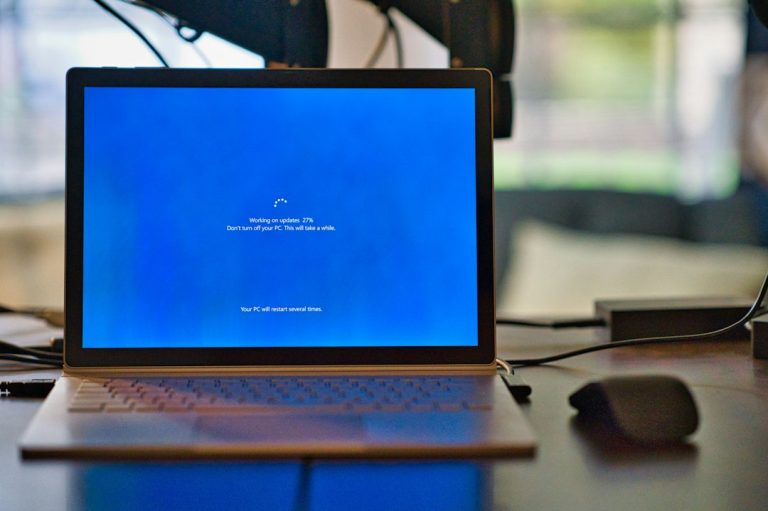
Screen turns off after 1 minute in Windows 11 or 10? Here’s why and how to fix it
Why your Windows 11 or 10 screen turns off after 1 minute, usually the hidden lock-screen timeout, and how to change it with powercfg…
-

An administrator has blocked you from running this app: what it means and safe fixes
Why Windows 11 and 10 say an administrator has blocked you from running this app, usually a revoked signature or an app-control policy, and…
-
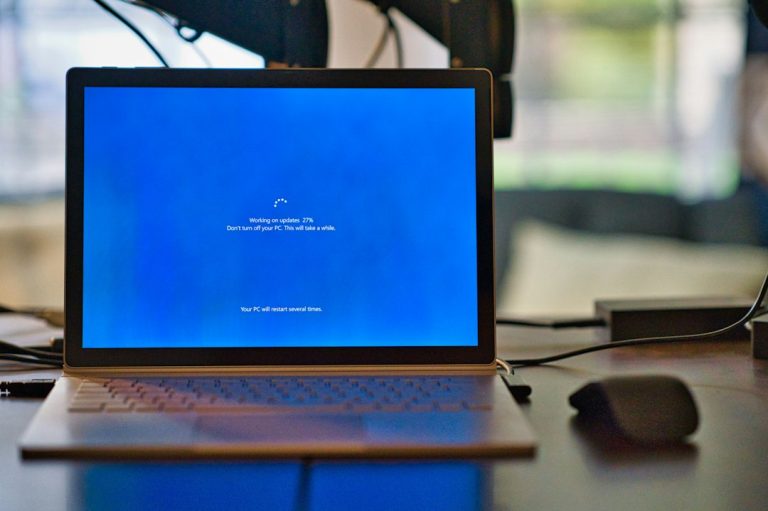
“The update is not applicable to your computer”: causes and fixes
Why Windows says the update is not applicable to your computer when you install an .msu file, and how to fix it: version and…
-
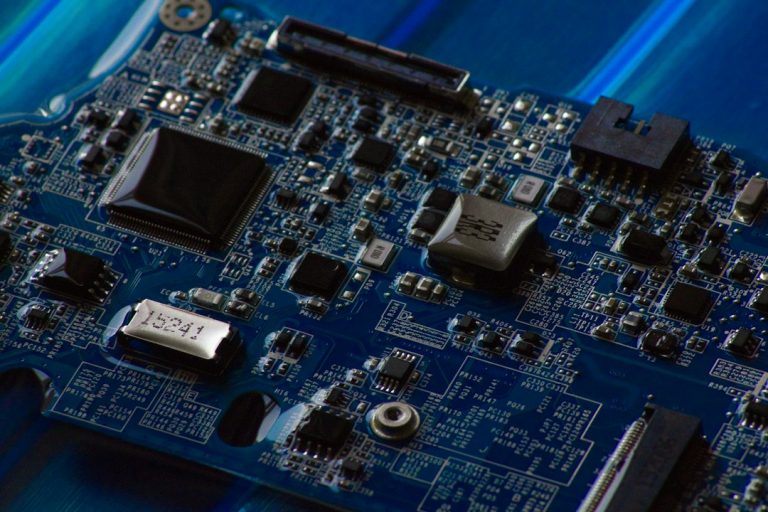
KERNEL_SECURITY_CHECK_FAILURE: what it means and how to fix it
KERNEL_SECURITY_CHECK_FAILURE (0x139) means Windows found corrupted kernel data, usually from a driver. Undo recent changes, read the minidump, fix drivers, run DISM and SFC,…
-

Windows key not working: how to fix it in Windows 11 and 10
Windows key not working? Test whether the key or the Start menu is at fault, then check Win Lock and Game Mode keys, PowerToys…
-
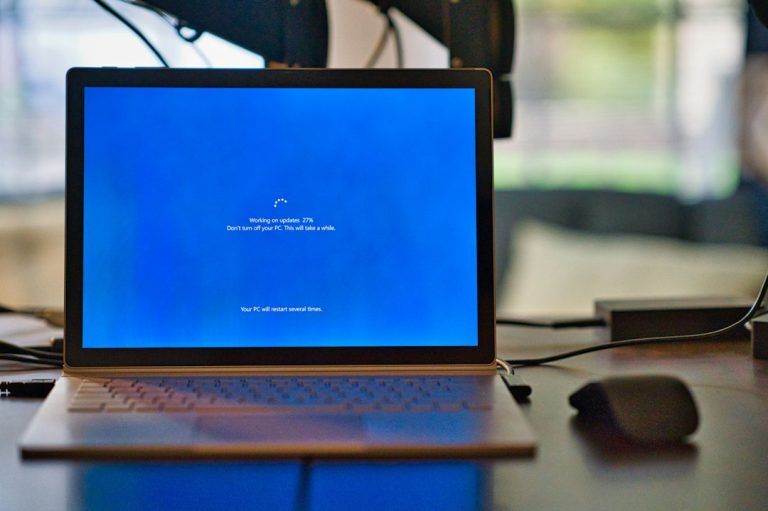
Windows Update cannot currently check for updates: how to fix it
Fix Windows Update cannot currently check for updates because the service is not running: start the service, clear the update cache, reset components, and…
-

Cannot import .reg file, error accessing the registry: how to fix it
Why Registry Editor says cannot import the .reg file because of an error accessing the registry, and how to fix it safely: run as…
-

ms-settings not found: fix Settings and Display settings not opening
Fix ms-settings: This file does not have an app associated with it, and Display settings or Personalize not opening in Windows 11 and 10.
-
Error 0x800700DF: the file size exceeds the limit allowed (fix)
Fix error 0x800700DF when copying large files to a mapped SharePoint, OneDrive or WebDAV drive: raise the WebClient FileSizeLimitInBytes value and restart the service.
-
Error 1001 in Windows and Office: what it means and how to fix it
Error 1001 means different things in Event Viewer, Microsoft 365 sign-in and program installers. Find which one you have, then fix the real cause.