Guides from the
Windows Help Desk
Every guide follows our editorial policy: the exact problem first, the safest fix first, and clear notes on which versions it applies to.
-

How to upgrade Windows 10 Home to Pro (3 ways)
How to upgrade Windows 10 Home to Pro, or Windows 11 Home to Pro, with the Microsoft Store, a product key or the generic-key…
-
How to delete Windows.old in Windows 11 and 10
How to delete the Windows.old folder safely in Windows 11 and 10, with Settings, Disk Cleanup or Command Prompt, what to check first and…
-
Error 0x800f081f: how to fix it in Windows 11 and 10
Error 0x800f081f means Windows can’t find the source files for .NET Framework 3.5, a DISM repair or an update. Here’s how to give it…
-
Microsoft Edge won’t open? 7 fixes for Windows 11 and 10
Microsoft Edge won’t open on Windows 11 or 10? End stuck processes, recover an off-screen window, start without extensions, repair Edge from Settings, try…
-

100% disk usage on Windows 11: how to find the cause and fix it
Task Manager stuck at 100% disk on Windows 11? Find the process responsible, cut startup apps, pause syncing, reduce indexing, check RAM and drive…
-
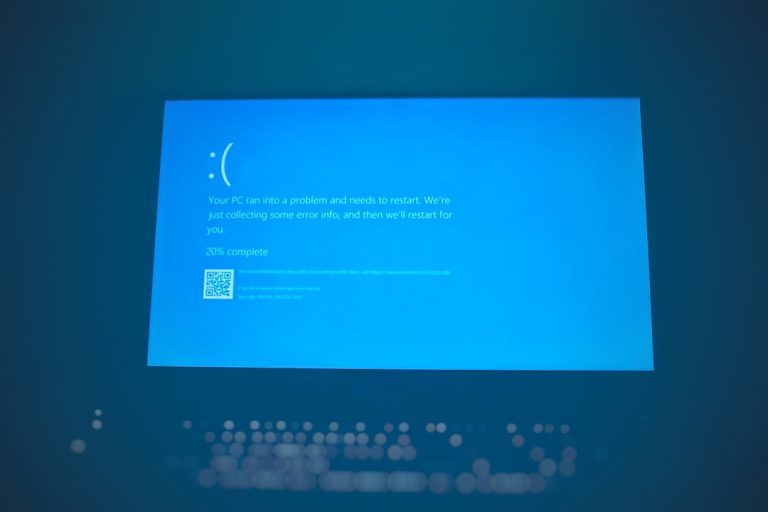
CRITICAL_PROCESS_DIED on Windows 10 and 11: how to fix it
CRITICAL_PROCESS_DIED (0xEF) blue screen on Windows 10 or 11? Undo recent changes, repair system files with DISM and SFC, check the drive, fix drivers…
-

How to disable Copilot in Windows 11 (and Office and Edge)
How to disable Copilot in Windows 11: uninstall the Copilot app, stop it at startup, remap the Copilot key, turn it off in Word,…
-

STATUS_BREAKPOINT in Chrome and Edge: how to fix it
Fix “Aw, Snap!” Error code: STATUS_BREAKPOINT in Chrome and Edge: update the browser, test extensions, turn off graphics acceleration, reset flags, and fix PC…
-

Where are Sticky Notes stored in Windows 11? (Backup and restore)
Sticky Notes in Windows 11 are stored in plum.sqlite in the app’s LocalState folder, and synced to Outlook when you sign in. Here’s how…
-
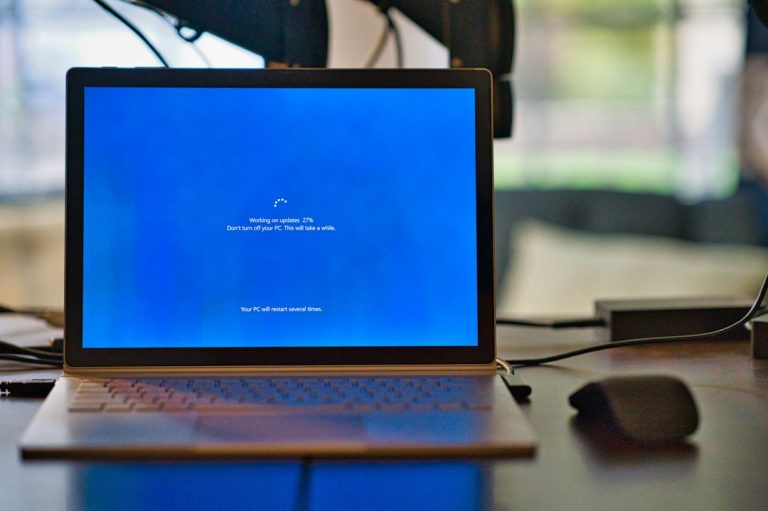
The sign-in method you’re trying to use isn’t allowed: how to fix it
Fix “The sign-in method you’re trying to use isn’t allowed” on Windows: add the account back to Users, check Allow and Deny log on…