Guides from the
Windows Help Desk
Every guide follows our editorial policy: the exact problem first, the safest fix first, and clear notes on which versions it applies to.
-

Ctrl+Alt+Del not working in Windows 11: how to fix it
Ctrl+Alt+Del not working in Windows 11 or 10? Use the right shortcut in Remote Desktop and VMs, test the keyboard and driver, remove key…
-

“The trust relationship between this workstation and the primary domain failed”: how to fix it
Fix “The trust relationship between this workstation and the primary domain failed” on Windows 11 and 10: sign in locally, repair the secure channel…
-

Group Policy Management Console on Windows 11: how to install and open it
How to install the Group Policy Management Console (GPMC) on Windows 11 from Optional features, PowerShell or DISM, open gpmc.msc, fix install errors on…
-
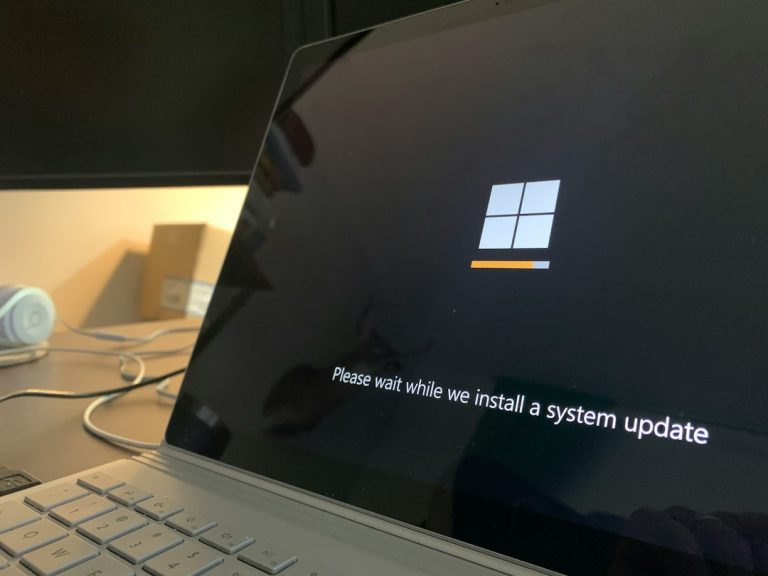
Windows Update error 0x80240034: how to fix “Update failed to download”
Windows Update error 0x80240034 means the update failed to download. How to fix it on Windows 11 and 10: quick checks, the troubleshooter, resetting…
-

Error 0x8007025D: how to fix it when installing or upgrading Windows
Error 0x8007025D means Windows found damaged data while unpacking files. How to fix it in Windows 11 and 10 setup, upgrades, System Restore and…
-
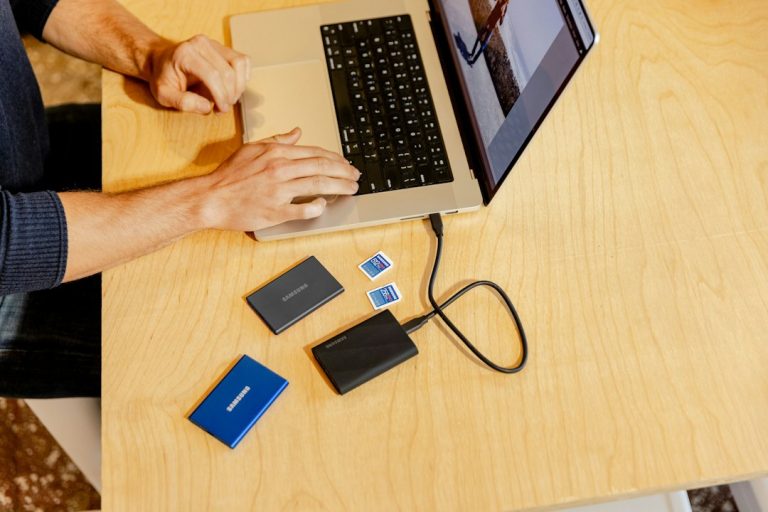
Free file recovery on Windows 11 and 10: 4 ways to get deleted files back
Free ways to recover deleted files on Windows 11 and 10: the Recycle Bin, OneDrive, Restore previous versions and Microsoft’s Windows File Recovery app,…
-

Windows 10 installation media: create a USB or ISO (step by step)
How to create Windows 10 installation media on a USB drive or as an ISO with Microsoft’s media creation tool, boot from it, activate…
-

Microsoft Store missing in Windows 11 or 10? How to get it back
Microsoft Store missing from Windows 11 or 10? Check whether it’s only unpinned, reinstall it with wsreset -i, re-register it with PowerShell, and clear…
-
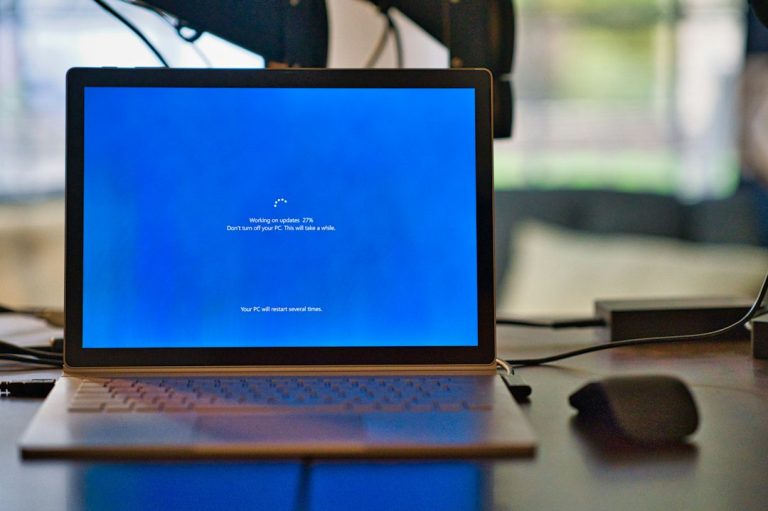
Windows 10 slow boot: how to find the cause and fix it
Windows 10 slow to boot? Measure where the time goes, disable startup apps, toggle Fast Startup, check the drive, find a slow service with…
-

Windows Security not opening in Windows 11? 7 fixes that work
Windows Security won’t open in Windows 11? Repair or reset the app, re-register it with PowerShell, check the Security Center service, remove antivirus leftovers…