Guides from the
Windows Help Desk
Every guide follows our editorial policy: the exact problem first, the safest fix first, and clear notes on which versions it applies to.
-

Can’t uninstall Microsoft Edge? Why, and what to do instead
Microsoft Edge’s Uninstall button is greyed out in most countries. Here’s why, how EEA users can remove it, and how everyone else can stop…
-
How to check last login in Windows 11 and 10 (4 ways)
See when an account last signed in to Windows with net user, Event Viewer event 4624 or PowerShell, and how to read logon types…
-
“Aw, Snap!” error in Chrome: what it means and how to fix it
Chrome shows “Aw, Snap!” when a tab crashes. Reload, test in Incognito, free memory, update Chrome, turn off graphics acceleration or reset Chrome to…
-
Your PC couldn’t start properly: 7 fixes for the Automatic Repair screen
Stuck on Automatic Repair because your PC did not start correctly? Restart, run Startup Repair, uninstall the last update, use Safe Mode or System…
-
Error 0x80073D02 in Windows: how to fix app install and update failures
Error 0x80073D02 means an app or a shared component is still running while Windows tries to update it. Close it, restart, reset the Store…
-
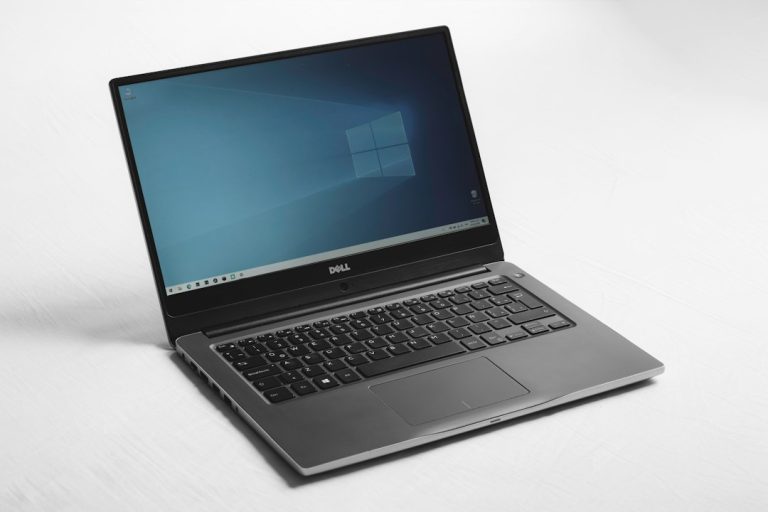
Taskbar icons missing in Windows 11 or 10: how to get them back
Taskbar icons missing, blank or white in Windows 11 or 10? Restart Windows Explorer, check the taskbar settings, re-pin apps and rebuild the icon…
-
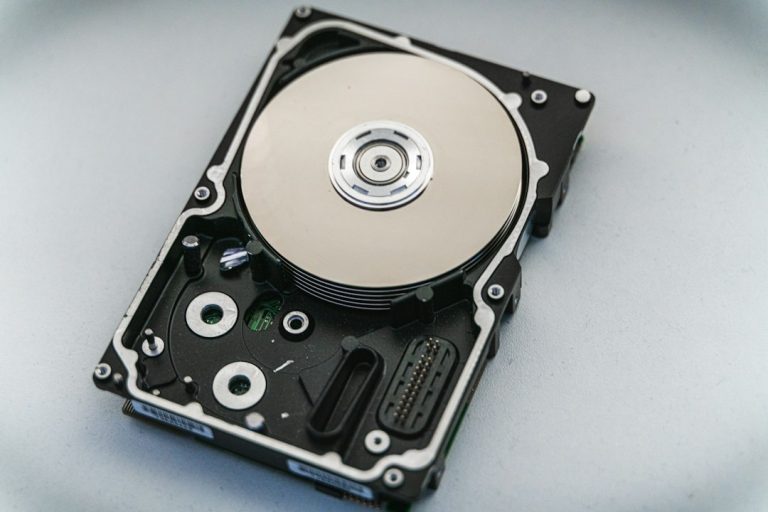
$GetCurrent folder: what it is and how to delete it safely
What the hidden $GetCurrent folder on your C: drive is, when it’s safe to delete after a Windows feature update, and how to remove…
-

How to record video on screen in Windows (free, built-in tools)
How to record video on your screen in Windows 11 and 10 with Snipping Tool, Xbox Game Bar, PowerPoint or OBS Studio, plus quick…
-

How to change user name in Windows 10 (local or Microsoft account)
Change your user name in Windows 10: rename a local account in Control Panel or netplwiz, change a Microsoft account name online, use PowerShell,…
-
Windows 10 disable login screen: sign in automatically
How to disable the login screen in Windows 10: sign in automatically with netplwiz, fix the missing checkbox, use Microsoft’s Autologon tool or the…