Guides from the
Windows Help Desk
Every guide follows our editorial policy: the exact problem first, the safest fix first, and clear notes on which versions it applies to.
-

Install VMware Tools greyed out: 6 ways to fix it
Install VMware Tools greyed out in VMware Workstation or Fusion? Here’s why it happens and how to fix it for Windows and Linux virtual…
-

STATUS_ACCESS_VIOLATION in Chrome and Edge: 7 ways to fix it
Getting Error code: STATUS_ACCESS_VIOLATION in Chrome or Edge? Here’s what causes the page crash and how to fix it on Windows 11 and 10.
-

Please wait for the System Event Notification Service: how to fix it
Windows stuck on “Please wait for the System Event Notification Service” at sign-in, sign-out or shutdown? Here’s what it means and how to fix…
-
Not in a Hypervisor Partition (HVP=0): How to Fix the VirtualBox Error on Windows
VirtualBox says “Not in a hypervisor partition (HVP=0)” and won’t start your VM? Here’s what it means and how to fix it by enabling…
-

WMI Provider Host (WmiPrvSE.exe): Is It a Virus and How to Fix High CPU
WMI Provider Host (WmiPrvSE.exe) is a genuine Windows process. Here’s how to check it isn’t a virus, find the app making it busy, and…
-

Windows Hello PIN “This Option Is Currently Unavailable”: How to Fix It
Windows Hello PIN, fingerprint or face says “This option is currently unavailable”? Turn off the Hello-only sign-in setting, check work policies and Group Policy,…
-
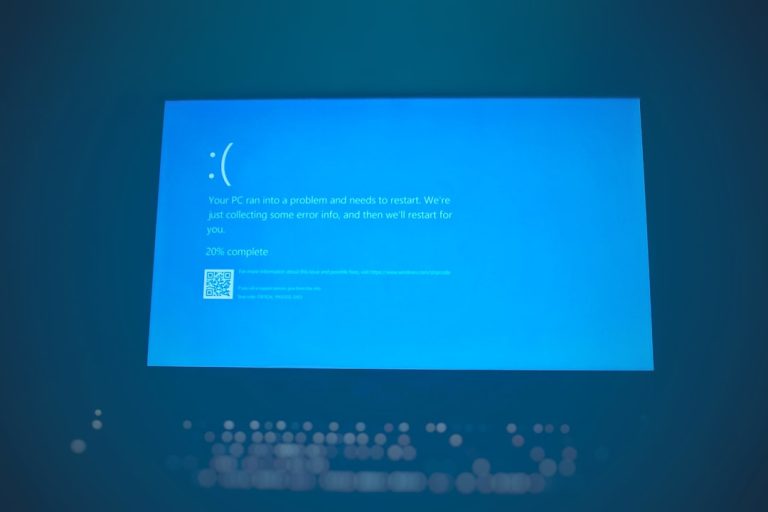
BAD_POOL_CALLER on Windows 11/10: What It Means and How to Fix It
BAD_POOL_CALLER (0xC2) blue screen on Windows 11 or 10? Find the faulty driver, remove recent software, update or roll back drivers, test your RAM…
-

How to Turn Off Efficiency Mode in Windows 11 (Task Manager, Edge and Power Settings)
How to turn off efficiency mode in Windows 11: uncheck it in Task Manager, turn it off in Edge or Chrome, and switch off…
-

svchost.exe (netsvcs): What It Is and How to Fix High CPU, Memory or Network Use
svchost.exe (netsvcs) is a genuine Windows Service Host for Windows Update, BITS, Task Scheduler and more. Here’s how to find which service is busy…
-

How to Reinstall Windows 10: Reset, Repair Install or Clean Install
How to reinstall Windows 10 with Reset this PC, a repair install that keeps your apps, or a clean install from USB. Includes backup…