Guides from the
Windows Help Desk
Every guide follows our editorial policy: the exact problem first, the safest fix first, and clear notes on which versions it applies to.
-
Desktop is unavailable in Windows: how to fix it
Fix “Desktop is unavailable” and “Desktop refers to a location that is unavailable”: recreate the systemprofile Desktop folder, restore the default location, fix a…
-
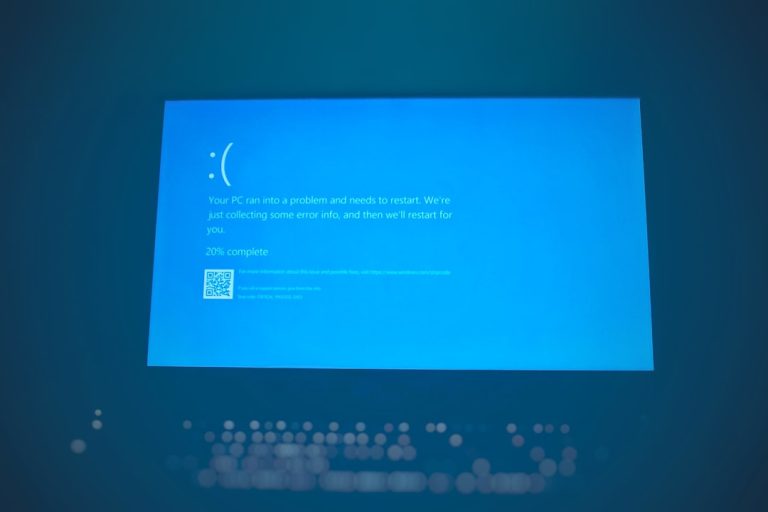
Your PC ran into a problem and needs to restart: how to fix it
Seeing “Your PC ran into a problem and needs to restart”? Find the stop code, then fix the usual causes: drivers, updates, hardware, system…
-

Dell BitLocker recovery key: where to find it and why it appears
Dell laptop asking for a BitLocker recovery key? Find it in your Microsoft or work account, learn why BIOS updates trigger it, and stop…
-
0xC1900101 – 0x20017: how to fix the SAFE_OS boot error
Windows upgrade failed with 0xC1900101 – 0x20017 in the SAFE_OS phase? Unplug extra devices, update drivers and BIOS, remove third-party encryption, find the bad…
-
How to install a CAB file in Windows 11 and 10
How to install a CAB file in Windows 11 and 10: use DISM or PowerShell for update packages, expand and Device Manager for driver…
-
How to disable Fast Startup in Windows 11 and 10
How to disable Fast Startup in Windows 11 and 10 with Power Options, powercfg or the registry, when you should turn it off, and…
-

Your PIN is no longer available due to a change: how to fix it
How to fix “Your PIN is no longer available due to a change to the security settings on this device” in Windows 11 and…
-
Windows Update error 0x800f0831: how to fix it
Windows Update failing with error 0x800f0831 (CBS_E_STORE_CORRUPTION)? Here’s what it means and how to fix it on Windows 11, 10 and Server.
-
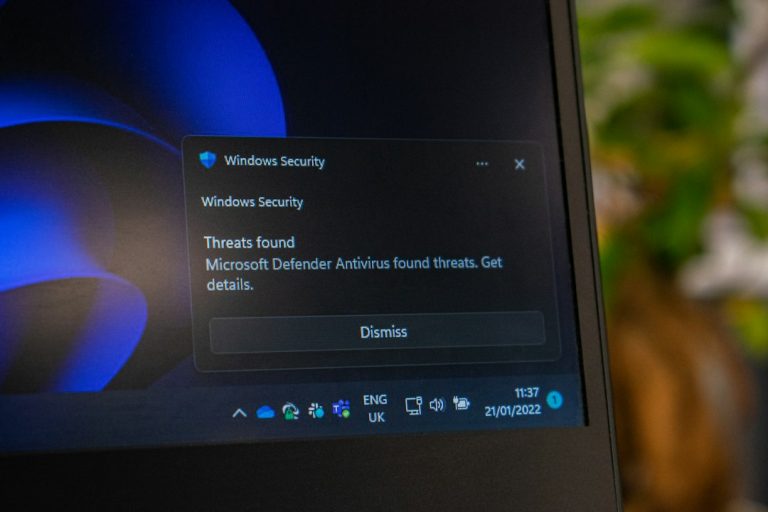
SmartScreen can’t be reached right now: how to fix it
Seeing “Microsoft Defender SmartScreen can’t be reached right now”? Here’s what it means and how to fix it on Windows 11 and 10, plus…
-

Error 0x80070091 “The directory is not empty”: how to fix it
Getting error 0x80070091 “The directory is not empty” when deleting a folder or running System Restore? Here’s how to fix it on Windows 11…