Topic
Windows How-To
Windows settings, shortcuts and everyday tasks explained step by step for Windows 11 and Windows 10.
-
How to check last login in Windows 11 and 10 (4 ways)
See when an account last signed in to Windows with net user, Event Viewer event 4624 or PowerShell, and how to read logon types…
-
$GetCurrent folder: what it is and how to delete it safely
What the hidden $GetCurrent folder on your C: drive is, when it’s safe to delete after a Windows feature update, and how to remove…
-

How to change user name in Windows 10 (local or Microsoft account)
Change your user name in Windows 10: rename a local account in Control Panel or netplwiz, change a Microsoft account name online, use PowerShell,…
-

Windows 10 disable login screen: sign in automatically
How to disable the login screen in Windows 10: sign in automatically with netplwiz, fix the missing checkbox, use Microsoft’s Autologon tool or the…
-
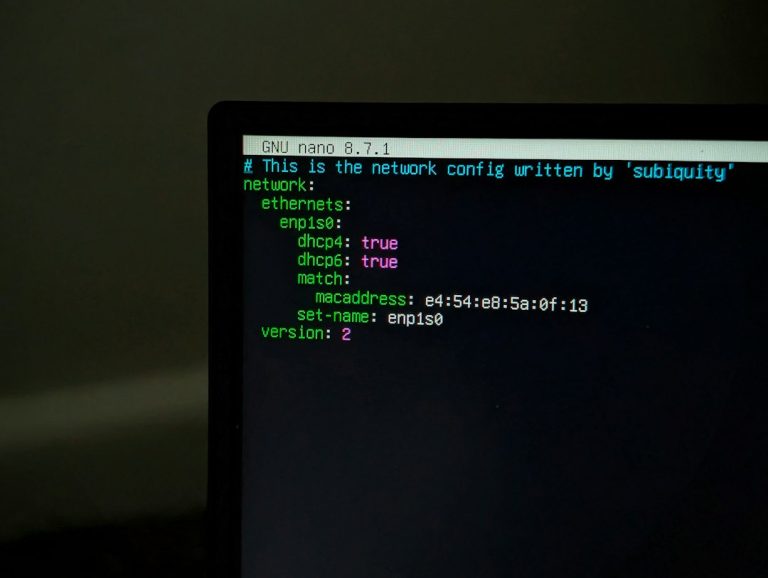
Telnet on Windows 11 and 10: how to enable it, use it and test a port
How to enable Telnet Client on Windows 11 and 10 with Windows Features, DISM or PowerShell, connect to a host, test whether a port…
-
How to format an SD card in Windows 11 and 10 (4 ways)
How to format an SD or microSD card in Windows 11 and 10 with File Explorer, Disk Management, DiskPart or the SD Association formatter,…
-

Windows 11 run as different user: 4 ways (and fixes)
How to run a program as a different user in Windows 11 with Shift + right-click, the runas command, PowerShell or the Start menu,…
-

How to upgrade Windows 10 Home to Pro (3 ways)
How to upgrade Windows 10 Home to Pro, or Windows 11 Home to Pro, with the Microsoft Store, a product key or the generic-key…
-
How to delete Windows.old in Windows 11 and 10
How to delete the Windows.old folder safely in Windows 11 and 10, with Settings, Disk Cleanup or Command Prompt, what to check first and…
-
How to disable Copilot in Windows 11 (and Office and Edge)
How to disable Copilot in Windows 11: uninstall the Copilot app, stop it at startup, remap the Copilot key, turn it off in Word,…