Topic
Windows How-To
Windows settings, shortcuts and everyday tasks explained step by step for Windows 11 and Windows 10.
-

How to format a USB drive to FAT32 in Windows 11 and 10 (even over 32 GB)
How to format a USB drive to FAT32 in Windows 11 and 10 with File Explorer, the format command or DiskPart, including drives larger…
-

File Replication Service (FRS): what it is and how to migrate SYSVOL to DFSR
What the File Replication Service (FRS) is, how to check if your domain still uses it, and how to migrate SYSVOL to DFS Replication…
-

How to change the Windows language in Windows 11 and 10
Change the display language in Windows 11 or 10, apply it to the sign-in screen and new users, set region and keyboard, use PowerShell,…
-

install.esd: what it is and how to use, convert or delete it
What the install.esd file on Windows 11 and 10 installation media is, how it differs from install.wim, and how to list its editions, convert…
-
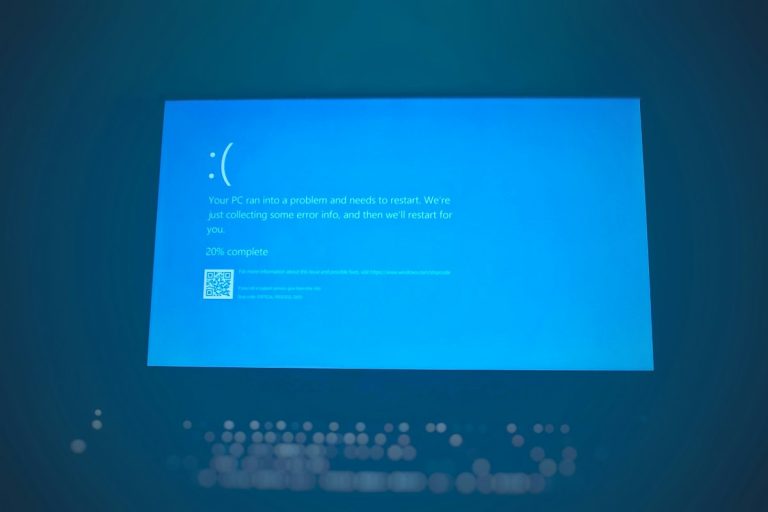
SFC offline: how to run sfc /scannow from recovery in Windows 11 and 10
Run SFC offline when Windows won’t start: open Command Prompt in recovery, find the right drive letter, and use sfc /scannow with /offbootdir and…
-

Rufus Windows 10: how to make a bootable USB step by step
Use Rufus to make a Windows 10 bootable USB: get the ISO, pick GPT or MBR, choose the setup options and boot from the…
-

How to disable Bing search in Windows 11 and Windows 10
Disable Bing web results in Windows 10 and 11 search with the DisableSearchBoxSuggestions registry value or Group Policy, and turn off search highlights in…
-

System Volume Information access denied: what it means and what to do
Access is denied on System Volume Information is normal: only SYSTEM can open it. Here’s how to shrink it, remove it from USB drives…
-

How to shut down without updating in Windows 11 and 10
Choose plain Shut down instead of Update and shut down, use the Alt + F4 dialog or the shutdown /s /t 0 command, or…
-

BitLocker suspended: what it means and how to resume protection
BitLocker suspended means your drive is encrypted but unprotected for now. Learn why it happens after updates, how to resume protection, and when to…