Topic
Security & Privacy
Malware scans, locked accounts, sign-in problems and practical steps to keep your PC and accounts safe.
-
How to delete Google saved passwords (Chrome, Android, iPhone)
Delete one or all Google saved passwords in Chrome, at passwords.google.com and on Android or iPhone, stop Chrome saving them, and fix passwords that…
-
RpcAuthnLevelPrivacyEnabled: what it does and when to change it
What the RpcAuthnLevelPrivacyEnabled Registry value does, what 0 and 1 mean, how to check, set or remove it on a print server, and safer…
-
LmCompatibilityLevel: LAN Manager authentication levels explained
What LmCompatibilityLevel 0 to 5 means, the Windows default, how to check and change it in Group Policy or the Registry, and what to…
-
Windows Security not opening in Windows 11? 7 fixes that work
Windows Security won’t open in Windows 11? Repair or reset the app, re-register it with PowerShell, check the Security Center service, remove antivirus leftovers…
-
The sign-in method you’re trying to use isn’t allowed: how to fix it
Fix “The sign-in method you’re trying to use isn’t allowed” on Windows: add the account back to Users, check Allow and Deny log on…
-
How to get rid of an unwanted search engine in Chrome, Edge and Firefox
Get rid of an unwanted search engine (MyStart, Yahoo redirects and other hijackers): set your default back, delete the engine, remove the extension or…
-

Adware removal: how to get rid of adware on Windows 11 and 10
Remove adware from Windows 11 or 10 step by step: block notification ads, uninstall unwanted programs and extensions, reset your browser, scan with Microsoft…
-
Dell BitLocker recovery key: where to find it and why it appears
Dell laptop asking for a BitLocker recovery key? Find it in your Microsoft or work account, learn why BIOS updates trigger it, and stop…
-
Your PIN is no longer available due to a change: how to fix it
How to fix “Your PIN is no longer available due to a change to the security settings on this device” in Windows 11 and…
-
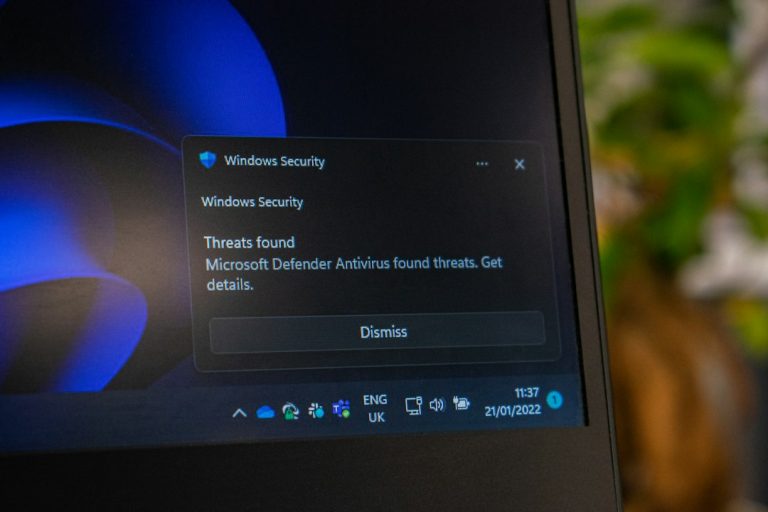
SmartScreen can’t be reached right now: how to fix it
Seeing “Microsoft Defender SmartScreen can’t be reached right now”? Here’s what it means and how to fix it on Windows 11 and 10, plus…