Guides from the
Network & Hardware Desk
Every guide follows our editorial policy: the exact problem first, the safest fix first, and clear notes on which versions it applies to.
-
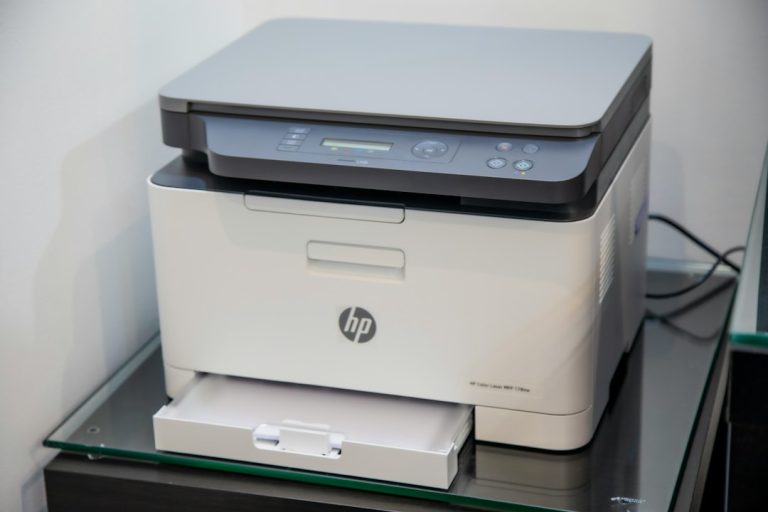
Printer sharing in Windows 11 and 10: how to share a printer on your network
How to set up printer sharing in Windows 11 and 10: make the network Private, turn on file and printer sharing, share the printer,…
-
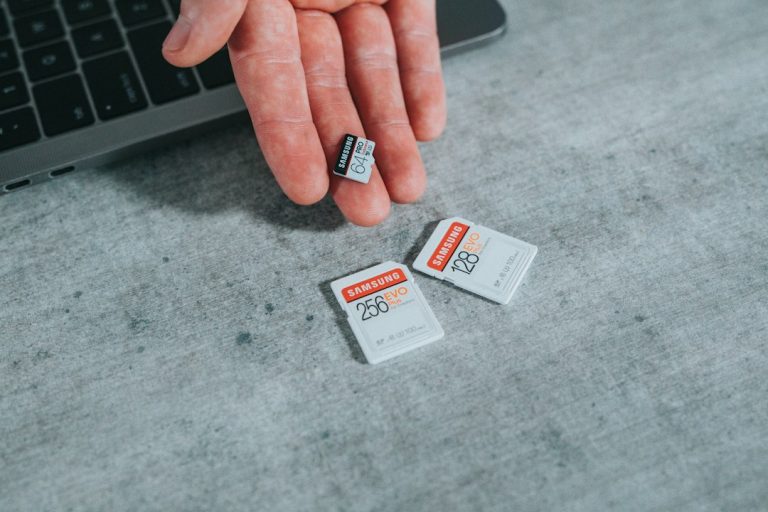
How to format an SD card in Windows 11 and 10 (4 ways)
How to format an SD or microSD card in Windows 11 and 10 with File Explorer, Disk Management, DiskPart or the SD Association formatter,…
-
HP Envy 4500 driver for Windows 11 and 10: download and install
Where to get the HP Envy 4500 driver for Windows 11 and 10, how to install the full software, the Windows driver or HP…
-

Code 28: “The drivers for this device are not installed” (7 fixes)
Device Manager shows Code 28, “The drivers for this device are not installed”? Find the right driver with Windows Update, the hardware ID or…
-
DNS_PROBE_FINISHED_BAD_CONFIG: 7 ways to fix it on Windows
Seeing DNS_PROBE_FINISHED_BAD_CONFIG in Chrome or Edge? Restart the router, flush DNS, renew your IP, switch to public DNS servers, clear the browser host cache…
-
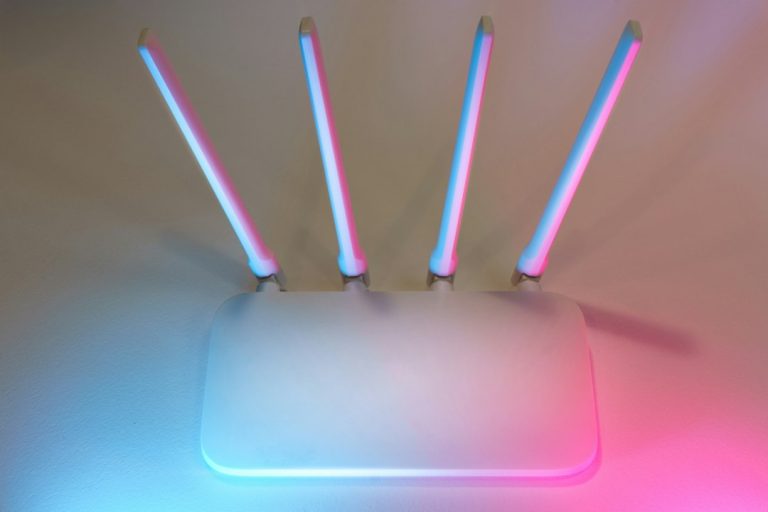
SSID: what your Wi-Fi network name is and how to find it
What an SSID is, how to find your Wi-Fi network’s SSID in Windows 11 and 10, with netsh, on the router or a phone,…
-
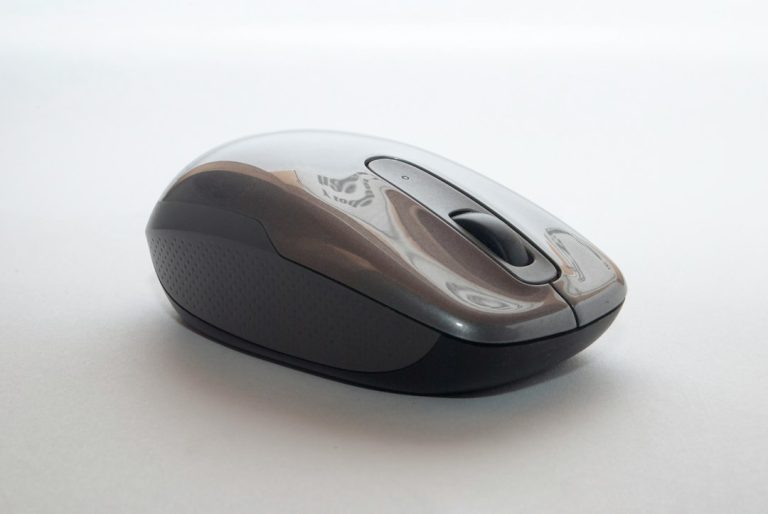
How to stop automatic scroll down in Windows 10 (7 fixes)
Windows 10 scrolling down by itself? Find the cause in two minutes, then fix the mouse wheel, Scroll inactive windows, touchpad sensitivity, stuck keys,…
-
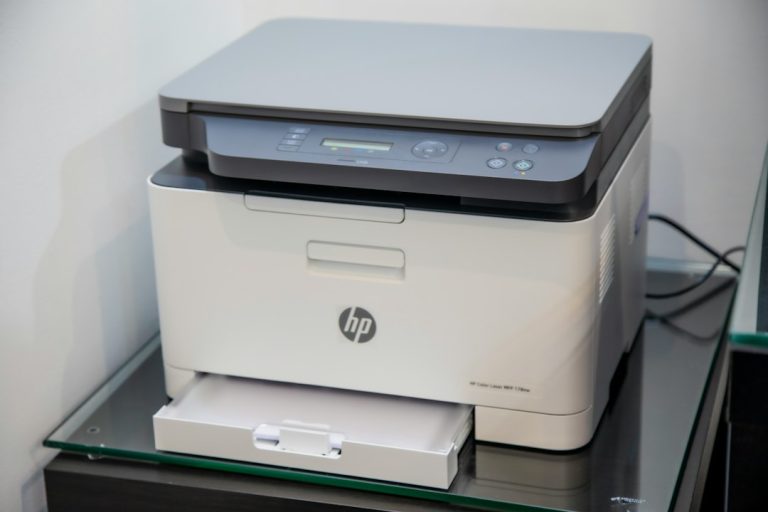
The print processor does not exist: how to fix it in Windows
Fix “Windows cannot connect to the printer. The print processor does not exist”: restart the spooler, switch to winprint, repair the winprint registry entry…
-
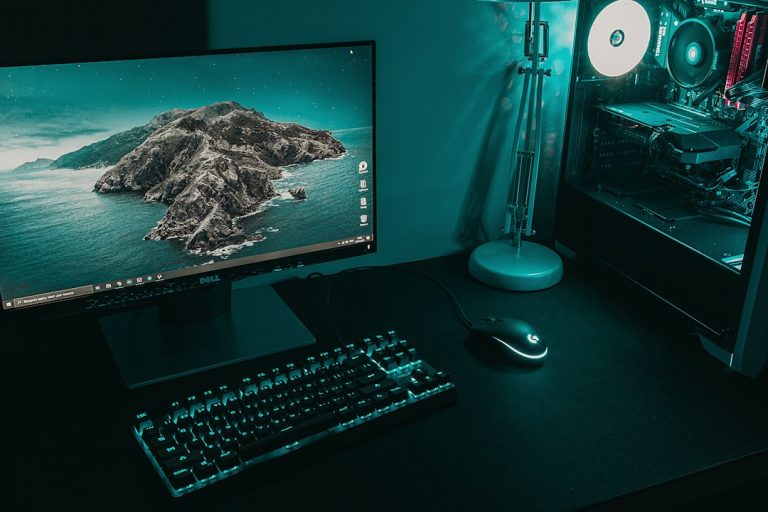
Monitor no signal: how to fix it
Monitor says No Signal? Check the input source and cable, use the graphics card ports, reset the graphics driver, undo a bad resolution, and…
-
Ethernet doesn’t have a valid IP configuration: 7 fixes
How to fix “Ethernet doesn’t have a valid IP configuration” in Windows 11 and 10: restart the router, renew the IP, reset TCP/IP, set…