Search results
Search results for: “0x80070035”
-
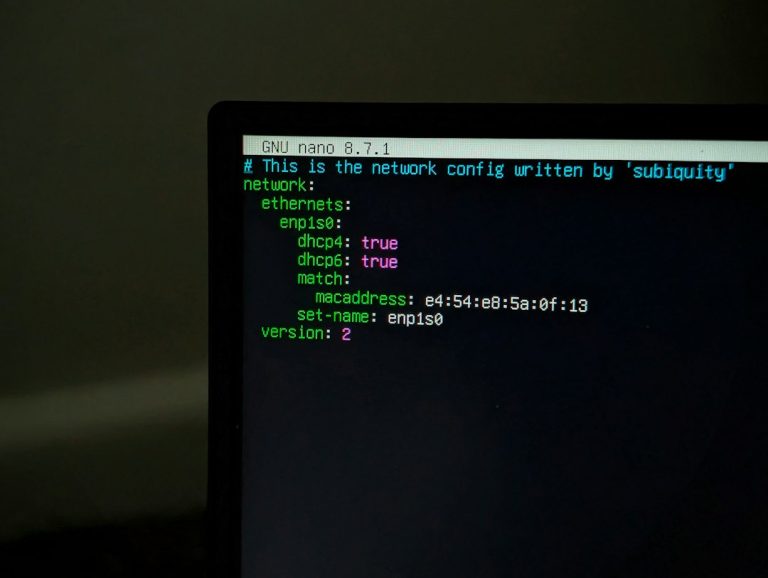
Telnet on Windows 11 and 10: how to enable it, use it and test a port
How to enable Telnet Client on Windows 11 and 10 with Windows Features, DISM or PowerShell, connect to a host, test whether a port…
-
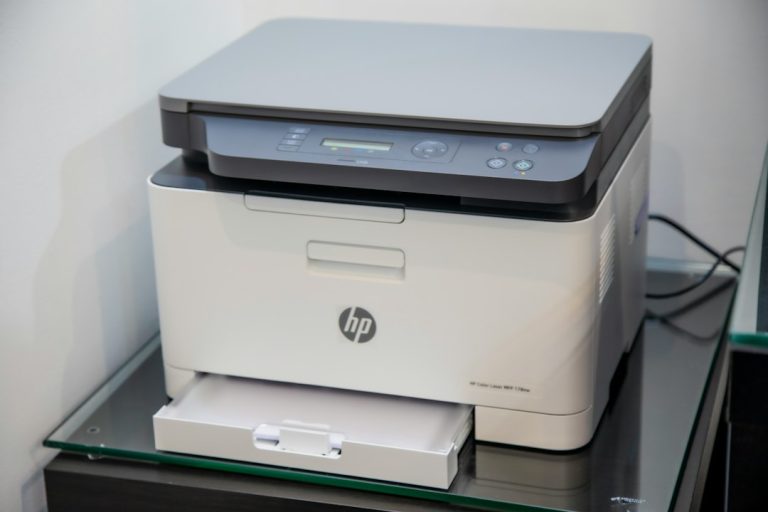
Printer sharing in Windows 11 and 10: how to share a printer on your network
How to set up printer sharing in Windows 11 and 10: make the network Private, turn on file and printer sharing, share the printer,…
-
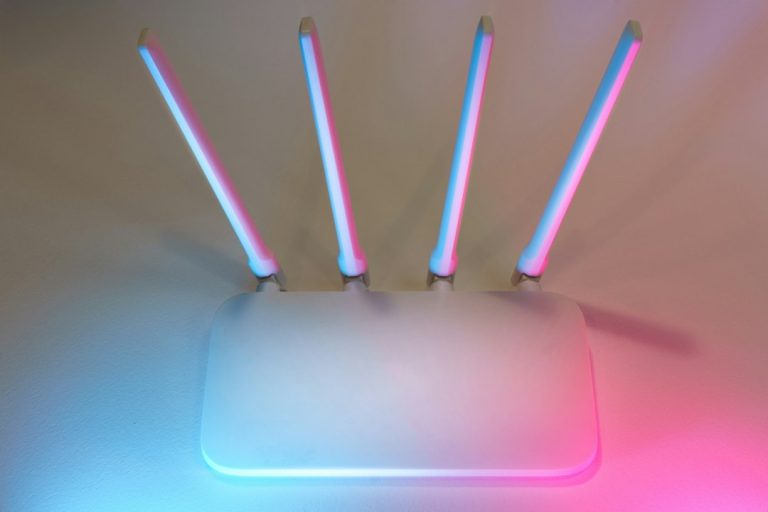
SSID: what your Wi-Fi network name is and how to find it
What an SSID is, how to find your Wi-Fi network’s SSID in Windows 11 and 10, with netsh, on the router or a phone,…
-
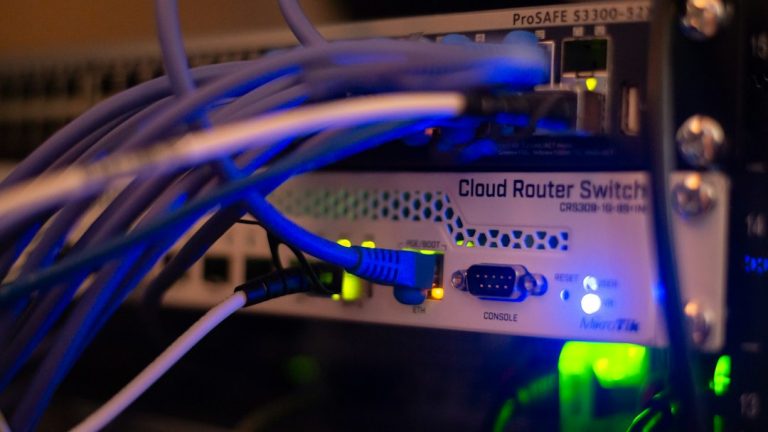
Ethernet doesn’t have a valid IP configuration: 7 fixes
How to fix “Ethernet doesn’t have a valid IP configuration” in Windows 11 and 10: restart the router, renew the IP, reset TCP/IP, set…
-
Discord No Route error: 7 ways to fix it on Windows
Discord voice stuck on No Route? Here’s how to fix it on Windows 11 and 10: restart the router, check your VPN and firewall,…
-

The Diagnostics Policy Service Is Not Running: How to Fix It on Windows 11/10
Seeing “The Diagnostics Policy Service is not running” in Windows Network Diagnostics? Here’s how to start the service, stop it switching off again, and…
-

Disconnected from the AnyDesk Network: How to Fix It
AnyDesk says “Disconnected from the AnyDesk network”? Check the connection, sync the clock, allow *.net.anydesk.com and TCP 80/443/6568 in the firewall, fix DNS and…
-

“You Don’t Currently Have Permission to Access This Folder”: How to Fix It
Seeing “You don’t currently have permission to access this folder” in Windows 11 or 10? Click Continue as an admin, take ownership, grant Full…
-
“The Active Directory Domain Services Is Currently Unavailable”: How to Fix It
Seeing “The Active Directory Domain Services is currently unavailable” when printing? Learn why it happens on home PCs, then restart the spooler, set a…
-
Error 0x0000011b: How to Fix “Windows Cannot Connect to the Printer”
Shared printer failing with error 0x0000011b? Update both PCs, connect to the printer by IP address or through a local port, and only as…