Search results
Search results for: “0xc0000005”
-

Error 0xc0000005 on Windows: What It Means and How to Fix It
Error 0xc0000005 means a program broke Windows’ memory rules. Find out what causes it and fix it in order: the app, Visual C++, antivirus,…
-
How to fix stop code 0x1000007E (SYSTEM_THREAD_EXCEPTION_NOT_HANDLED)
Fix blue screen stop code 0x1000007E: find the driver that crashed, start in Safe Mode, roll back or update it, undo recent updates, repair…
-
How to run sfc /scannow in Windows 11 and 10 (and read the results)
Run sfc /scannow the right way in Windows 11 and 10: open an admin window, run DISM first, understand each result message and see…
-

STATUS_BREAKPOINT in Chrome and Edge: how to fix it
Fix “Aw, Snap!” Error code: STATUS_BREAKPOINT in Chrome and Edge: update the browser, test extensions, turn off graphics acceleration, reset flags, and fix PC…
-

STATUS_ACCESS_VIOLATION in Chrome and Edge: 7 ways to fix it
Getting Error code: STATUS_ACCESS_VIOLATION in Chrome or Edge? Here’s what causes the page crash and how to fix it on Windows 11 and 10.
-

“The Instruction at 0x00007ff… Referenced Memory”: How to Fix It
“The instruction at 0x00007ff… referenced memory. The memory could not be read” means a program crashed. Find which one, update or reinstall it, fix…
-

“Could Not Create the Java Virtual Machine”: How to Fix It
“Error: Could not create the Java Virtual Machine” means a startup option is wrong. Find it, fix the -Xmx memory value or _JAVA_OPTIONS variable,…
-
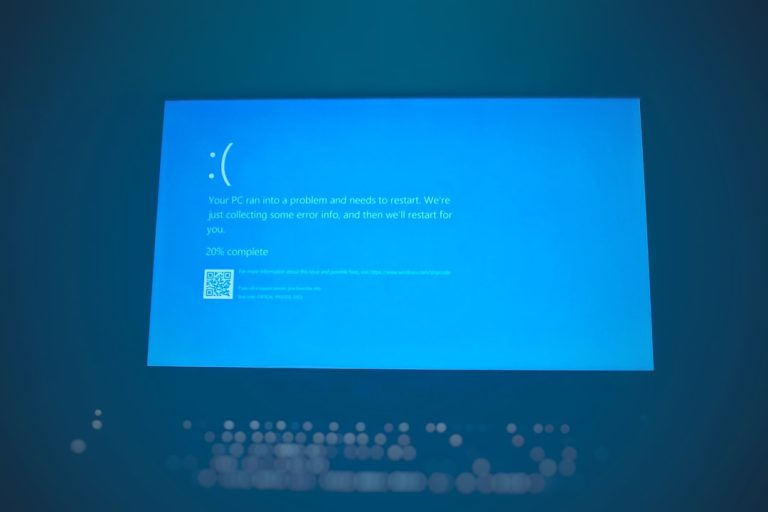
DPC Watchdog Violation on Windows 11 and 10: How to Fix It
DPC_WATCHDOG_VIOLATION (0x133) is almost always a driver that takes too long. Find the driver in Reliability Monitor, unplug new hardware, update or roll back…
-

How to Remove an Account from Teams (Windows, Phone, Web)
Sign out of an account in Teams, stop an old account appearing on the sign-in screen, clear the Teams cache, or leave a guest…
-

How to Disable the Adobe Updater (Creative Cloud, Acrobat and Reader)
Stop Adobe apps updating on their own: turn off Creative Cloud auto-updates, disable the Acrobat Update Service and scheduled task, or block Acrobat updates…